You've built technical skills, worked on complex projects, and applied for roles that match your experience. Yet, getting interview calls can still be difficult. In many cases, the problem isn't your experience. It's your resume that isn't getting past the ATS.
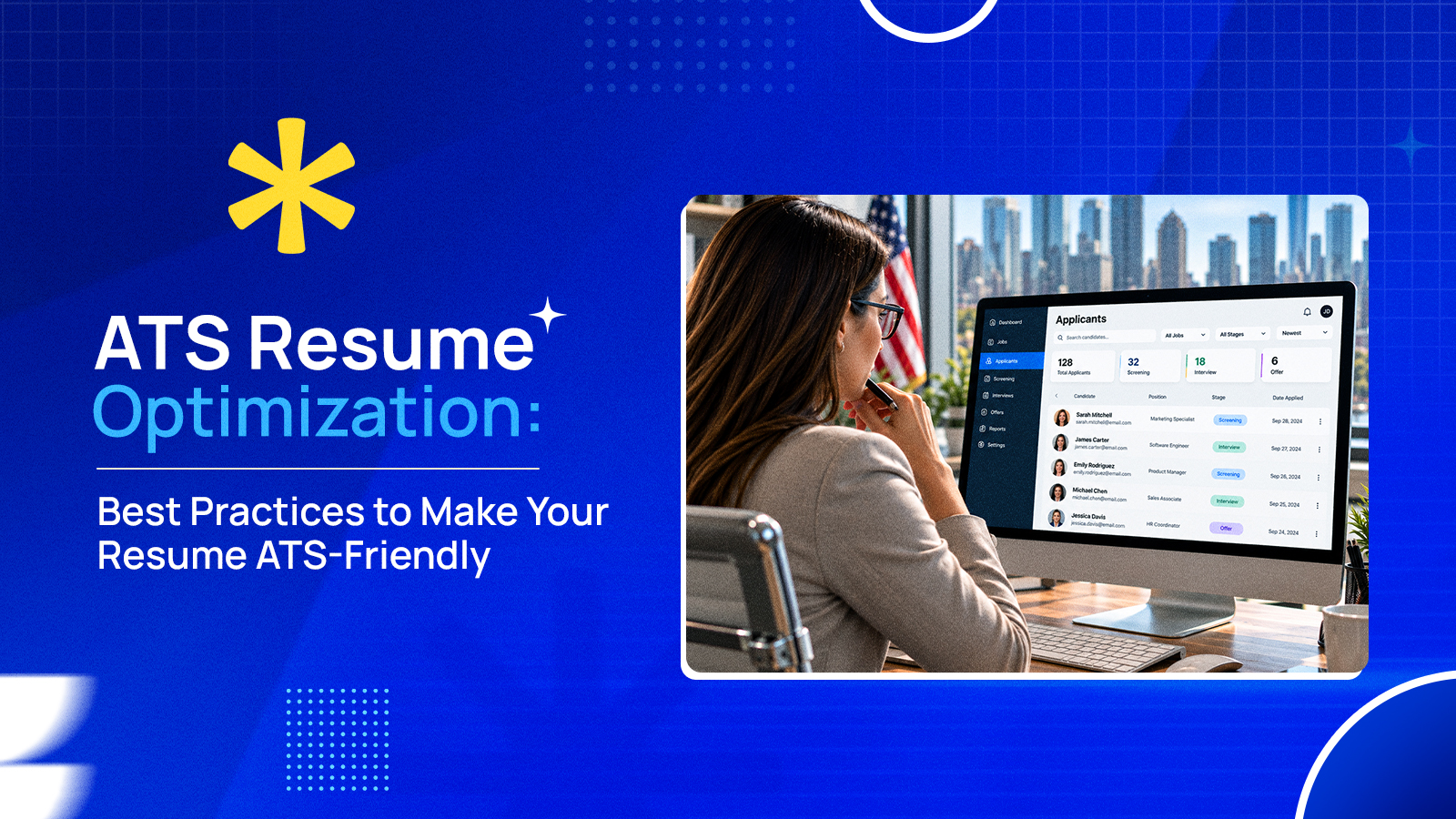
Most companies no longer review every application manually. Instead, they use this software to filter resumes before a recruiter even opens them.
If your resume isn't structured correctly or doesn't contain the right information, it may never reach the hiring manager. It is therefore essential to learn what is an applicant tracking system resume.
A resume designed for the software is easier to read and accurately highlights your technical qualifications. With a properly written CV that includes the right keywords and has the correct structure, you are effectively increasing the chances of getting to the next level in the hiring process.
In this blog, we will discuss how applicant tracking systems evaluate resumes, the common mistakes candidates make, and the practical steps you can take to build a resume that performs better in the hiring process.
What Is an Applicant Tracking System Resume?
An applicant tracking system resume is a document designed to be used for applying for jobs. It needs to be properly arranged to be accurately read by an applicant tracking system (ATS) before it reaches a recruiter.
Do you know that, in the current hiring market, ATS software has become a standard part of modern hiring? According to the U.S. Chamber of Commerce, nearly 98% of Fortune 500 companies use applicant tracking systems to manage applications and streamline recruitment.
That means your resume needs to be written for both the software and the recruiter who reviews it later. It needs to have a clean structure, relevant job-related keywords, and standard formatting.
A well-written ATS resume typically has:
- Standard section headings like Work Experience, Education, and Skills.
- Includes keywords that closely match the job description.
- Lists work experience in a clear, chronological format.
- Highlights relevant technical skills such as programming languages, cloud platforms, databases, and more.
- Avoids tables, graphics, text boxes, and decorative elements that can confuse parsing software.
How Does an Applicant Tracking System Read a Resume?
Now that you understand what an ATS resume is, it's time to see how an applicant tracking system processes your resume.
When you click "Apply", your CV doesn't usually land directly in a recruiter's inbox. In most organizations, it first enters a hiring platform that organizes candidate information.
This allows recruiters to easily search, compare, and manage the applications. They can also parse through your cover letter to gather more information on your career profile.
In this regard, having a clear idea about the difference between CV vs cover letter can help you create good resumes. Knowing how ATS works makes it easier to understand why your resume's content, structure, and formatting all play an important role.
Although every applicant tracking system works a little differently, the process generally follows these steps:
1. Your Resume Is Uploaded
Once you submit your application, the system stores your resume along with any additional documents. It creates a candidate profile that recruiters can access throughout the hiring process.
2. Information Is Extracted
Next, the resume screening software uses a resume parsing system to identify important details from your resume. It basically separates the content into structured fields. This is one reason why simple formatting is so important.
The following data must be added:
- Contact information
- Professional summary
- Work experience
- Education
- Technical and soft skills
- Certifications
- Licenses and other qualifications
3. Your Qualifications Are Compared to the Job
The software then looks for information that matches the employer's hiring criteria. It may compare your experience, skills, certifications, education, and job titles with the requirements.
Your goal isn't simply to add keywords; rather, focus on the context. For instance, mentioning a programming language as part of a completed project will be more meaningful than repeating the same term several times.
4. Recruiters Search the Candidate Database
This is a stage that a lot of job seekers aren't aware of. Once applications are received, recruiters will often sift through the database by using filters such as job title, skills, and more. When it clearly defines your qualifications according to the job opening and ATS language, your resume becomes easier to find.
5. A Recruiter Reviews Your Resume
Though the software helps organize applications, the hiring decisions are still made by people. Once the recruiter has found good potential candidates, they get a closer look at the resume to see what you've accomplished and how you fit the role.
ATS Resume vs Regular Resume: What Is the Difference?
An ATS resume is built to work with recruitment software without sacrificing readability for recruiters. But what about the regular resume?
Even though it has information, it may focus more on visual design. In a competitive scenario, it isn't always compatible with every hiring system.
The biggest difference isn't the information you include but how you present it. A well-structured resume is easier to process, search, and review throughout the hiring process.
On the other hand, a resume with complex formatting or unnecessary content can make important information harder to find. If you're submitting your resume through an online application portal, keeping it simple helps the software and the recruiter review your qualifications accurately.
The following table explains the difference better:
| Primary Purpose | ATS Resume | Regular Resume |
|---|---|---|
| Layout | Designed for online job applications. | Designed primarily for human readers. |
| Section Headings | ATS-compatible layout. | May use creative or visually appealing layouts. |
| Keywords | Standard section headings. | Can include custom section headings. |
| Formatting | Job-specific keywords. | General or less targeted keywords. |
| Compatibility | Simple, consistent formatting. | May use graphics, icons, tables, or multiple columns. |
| Best Used For | Easy for software to parse and recruiters to review. | Attractive to read but may not be compatible with all ATS platforms. |
Common Resume Mistakes That Cause ATS Rejection
It is a fact that even qualified candidates can miss out on interviews if their resumes are difficult to process. Even when you don't clearly match the job requirements, your experience won't be considered.
Even if you prepare a good resume, simple mistakes can make it harder for recruiters to find or evaluate your resume.
Here are some of the most common issues to avoid:
Using Complex Formatting
Graphics, text boxes, tables, icons, and multiple columns can prevent hiring systems from interpreting your resume correctly.
Missing Technical Skills and Project Details
Technical recruiters usually look for specific skills, technologies, and experience levels. If your resume doesn't explicitly list relevant tools, programming languages, or results of your projects, it could be hard to process.
Using Non-Standard Section Headings
Creative titles like "My Journey" and "Career Highlights" may not be as easily identifiable as their more traditional counterparts. General titles such as Work Experience, Education, or Skills should always be employed.
Submitting the Same Resume for Every Job
A generic resume rarely reflects the specific qualifications an employer is looking for. As a result, it may not align well with the role you're applying for.
Keyword Stuffing
Repeating the same terms multiple times doesn't improve your chances. Instead, it can make your resume difficult to read and reduce its overall quality.
Including Irrelevant Information
Listing outdated experience, unrelated skills, or unnecessary personal details can distract from your most relevant qualifications. It can even make your resume less effective.
Leaving Out Supporting Details
An ATS can only identify your skills and job titles. However, recruiters look for context. However, recruiters are seeking context. Not including projects, achievements, or quantifiable results related to the job could make it difficult to quantify your experience.
How to Optimize Your Resume for an Applicant Tracking System?
While going through the common mistakes, you may be wondering how to make a resume ATS-friendly. The answer is simple: create a resume that's relevant to the role, easy to read, and supported by clear evidence of your skills and achievements.
Successful ATS resume optimization is about presenting relevant qualifications in a way that's easy for hiring software to process. Small improvements in structure, content, and relevance can significantly improve how your resume is reviewed.
The following methods can help you build the perfect ATS-friendly resume:
Right ATS Resume Format
The way your resume is structured directly affects how accurately hiring software can organize your information. A clear ATS resume format improves readability and reduces parsing issues. It helps recruiters quickly find the qualifications they're looking for.
Follow these formatting best practices:
- Use a single-column layout to keep information in the correct order.
- Add standard headings such as Work Experience, Education, Skills, and Certifications.
- Choose professional fonts like Arial, Calibri, or Times New Roman.
- Keep font sizes, spacing, and bullet styles consistent throughout the document.
- Avoid graphics, icons, tables, text boxes, headers, and footers for important information.
- Save your resume in the format requested in the job posting.
Tailor Your Resume for Every Job Application
Recruiters hire for specific roles, not general experience. Submitting the same resume for all applications will not showcase your qualifications in the best way. It is necessary to demonstrate that your experience matters the most for that job.
Before applying, take a few minutes to customize your resume by:
- Reviewing the job description carefully.
- Matching your skills and experience with the employer's requirements.
- Prioritizing projects and achievements that relate to the role.
- Updating your professional summary to reflect the position.
- Removing information that doesn't add value to the application.
Include Job-Specific Keywords Naturally
Hiring software compares your resume with the job description. It helps the software identify relevant qualifications. By using resume keywords for ATS in your CV, you can ensure that the resume is ready for the software.
Such practices also help employers understand how your experience aligns with the position. However, avoid repeating the same keywords excessively. They should fit naturally within your work experience, summary, and skills sections.
Focus on including:
- Technical skills mentioned in the job posting.
- Software, tools, or platforms you've worked with.
- Industry-specific terminology.
- Relevant certifications and professional qualifications.
- Exact job titles where appropriate and accurate.
For more guidance on choosing relevant skills, see our guide on good skills to put on a resume by industry.
Support Your Experience With Achievements
Recruiters look beyond job titles. They want evidence that you delivered results, solved problems, or contributed to business goals. Rather than listing your duties, describe what you achieved and why it was important.
Strengthen your work experience by including:
- Developed and deployed applications used by thousands of users.
- Reduced system downtime through infrastructure improvements.
- Automated manual workflows using scripts or internal tools.
- Improved application performance through optimization.
- Led migration projects to cloud environments.
Review Your Resume Before You Submit
Even a strong resume can lose credibility because of small mistakes. A final review helps ensure your information is accurate, consistent, and easy to understand.
You should check the following before submitting your application:
- Check for spelling and grammar errors.
- Verify dates, job titles, and contact information.
- Confirm formatting is consistent across every section.
- Make sure every section is complete and easy to read.
- Compare your resume with the job description one final time.
How Tech Professionals Can Create an ATS-Friendly Resume?
A well-structured resume plays an important role in helping tech professionals showcase their skills and experience during the hiring process. Since the competition is quite high, companies use ATS software for good candidate hiring.
In such cases, knowing what is an applicant tracking system resume helps candidates create documents that are easier for recruiters to process.
At Tech Disciples LLC, we help professionals build career-focused resumes that present their technical expertise in a clear and impactful way. Our team helps you highlight relevant skills, real-world experience, and accomplishments through our professionally designed resume templates.
By creating a structured and targeted resume, professionals can get easily noticed by employers who are looking for the right technical skills.
Communicate your value and make your expertise easy to recognize by exploring Tech Disciples LLC today!
FAQs:
Do ATS Systems Reject Resumes Automatically?
No, ATS systems don't always reject resumes automatically. They enable employers to sort applications, pull candidate data, and highlight resumes that are a better match.
How Can I Check If My Resume Is ATS-Friendly?
You can check if your resume is ATS-friendly by reviewing its formatting, structure, and relevance to the job description. Make sure it uses standard headings, simple formatting, and clear work experience descriptions.
What Keywords Should I Include in an ATS Resume?
The best keywords you should include in an ATS resume are the skills, tools, certifications, and job-related terms. Avoid adding keywords that you cannot support with real experience.
Do Applicant Tracking Systems Read PDF Resumes?
Yes, many applicant tracking systems can read PDF resumes. However, compatibility may vary depending on the software and the way the file was generated. Always follow the employer's directions and be sure that your PDF is properly formatted.
What Is the Best Resume Format for Passing an ATS Scan?
The best resume format for ATS compatibility is a simple layout with standard headings. Make sure to add clear sections, consistent formatting, and easy-to-read text.